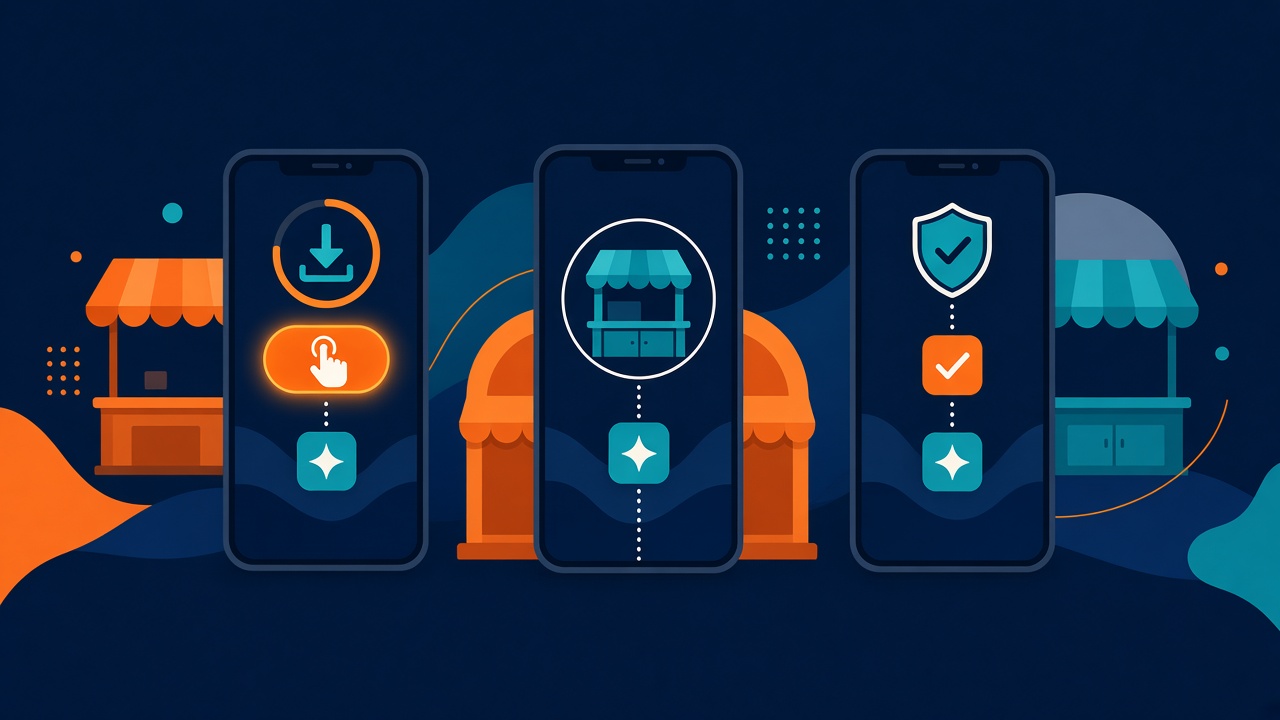
On 12 November 2026, Apple said that starting in early 2027, App Store Connect will no longer accept uploads containing On-Demand Resources from new apps, or from apps that have never used the feature. The same help pages, and Apple's WWDC26 App Store guide, say On-Demand Resources are deprecated as of iOS 27, iPadOS 27, tvOS 27 and visionOS 27, and that support will be removed in future releases. Apple recommends migrating to Background Assets.
Apple has not named a day or month, only "early 2027." If you ship a game or a large app on the App Store, the work now is to know who is blocked first and how to move to Managed Background Assets before that window closes.
Who this affects
New apps, and apps that have never used On-Demand Resources, will not be able to add the feature from early 2027. If you planned to keep a first release small with On-Demand Resources tags, that path will not be available.
Titles that already use On-Demand Resources are in a different position. Apple's WWDC26 App Store guide says they will continue to function in the near term, and it asks teams to start migrating now. The 12 November note does not say existing uploads stop in early 2027, or how long they will still be accepted. Treat current titles as still working, not as finished.
The platform split matters too. Apple's size-limits page states that macOS and watchOS do not support On-Demand Resources. Managed Background Assets are available to apps that target iOS 26, iPadOS 26, macOS 26, tvOS 26 and visionOS 26 or later. Apple-Hosted Background Assets, where Apple hosts the packs for you, are available for TestFlight and App Store apps on all of those platforms except watchOS.
This will hit game and media-heavy teams first: titles that already stream levels, language packs or optional content after install, and new projects that planned to do the same.
The timeline, as Apple has published it
These are the dates and wording in Apple's current documentation. Nothing below adds a day Apple has not stated.
- 12 November 2026. App Store Connect release notes announce the early 2027 upload change and recommend migrating to Background Assets.
- Deprecated as of iOS 27, iPadOS 27, tvOS 27 and visionOS 27. On-Demand Resources are deprecated on those platforms. Support will be removed in future releases, which Apple has not named.
- Early 2027. App Store Connect will no longer accept On-Demand Resources in uploads from new apps, or from apps that have never used the feature.
- Already available. Apps targeting iOS 26, iPadOS 26, macOS 26, tvOS 26 or visionOS 26, or later, can use Managed Background Assets. You can host packs on your own server or CDN, or use Apple hosting for TestFlight and the App Store.
- iOS 27, iPadOS 27, macOS 27, tvOS 27 and visionOS 27. Localized packs can be delivered per language. Devices on earlier OS versions will not receive them.
Do not wait for a more precise early 2027 date, and do not start a new project on a path Apple will soon refuse to accept.
What to use instead
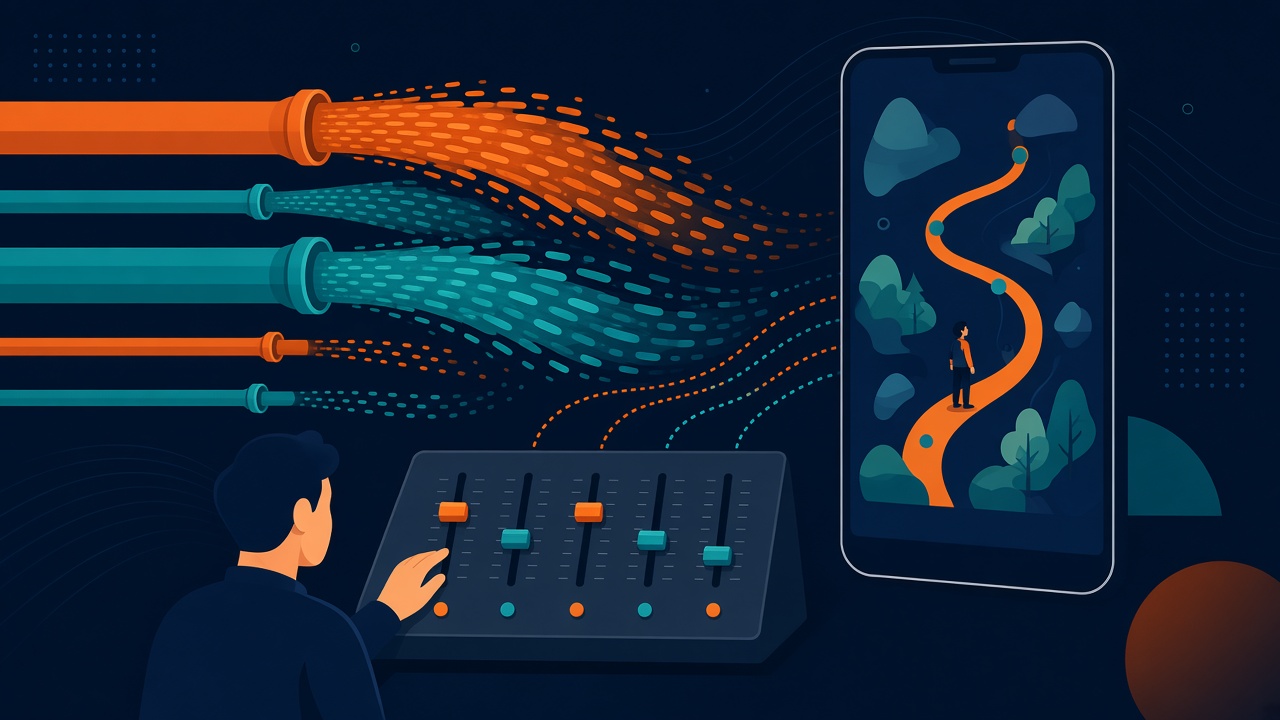
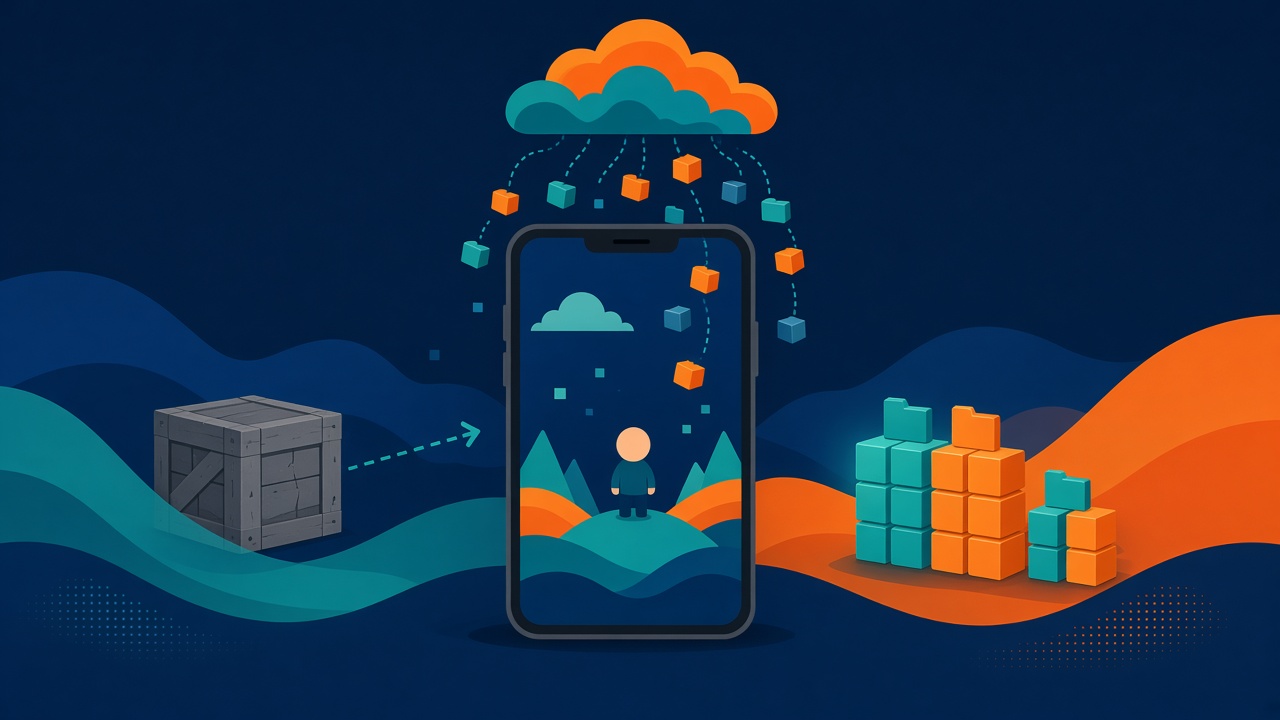
Background Assets is the replacement Apple points to. You can still download from your own server or CDN. For many App Store games, the closer equivalent is Managed Background Assets with Apple hosting: the system manages downloads, updates and compression, and you upload packs to App Store Connect separately from the app build.
Apple documents three download policies for each pack:
- essential. The pack downloads as part of installation and counts toward the progress people see in the App Store, in TestFlight, and on the Home Screen or Home View. Use this for the tutorial or first playable slice that should be ready when the app opens.
- prefetch. The download starts during installation, but can continue in the background after installation finishes.
- onDemand. The pack downloads only when your code requests it.
Those policies map in a practical way to the older initial-install, prefetch and on-demand tags, but they are not a drop-in rename. You still have to regroup files, write a manifest, and change the code that asks for content.
Apple-Hosted Background Assets can hold up to 200 GB of compressed assets per app, included with Apple Developer Program membership, and App Store Connect allows 200 packs on an app record. You can include CPU and GPU executables in a pack, but not macOS executables. Unlike On-Demand Resources, packs can be uploaded and updated independently of the app build.
A practical migration checklist
- Inventory what you ship today. List every On-Demand Resources tag, what it contains, and whether it is required at first launch, prefetched, or requested later. If you do not use the feature yet, start on Background Assets.
- Set the minimum OS you can support. Managed Background Assets require a target of iOS 26, iPadOS 26, macOS 26, tvOS 26 or visionOS 26, or later. If a live title must stay on an older OS, document that before you cut over.
- Group files into packs and pick a policy. Put the first session in an
essentialpack. Useprefetchfor content that should start during install but can finish later. UseonDemandfor optional levels or content you request in code. - Create a manifest and package the pack.
xcrun ba-package template -o Manifest.jsongives you a template. SetassetPackID, adownloadPolicyofessential,prefetchoronDemand,fileSelectorsfor the files or folders, andplatforms. Foressentialandprefetch, setinstallationEventTypestofirstInstallation,subsequentUpdate, or both. Paths must be relative to the directory where you run the packaging command. Archive the pack withxcrun ba-package. Linux packaging tools exist, but localized packs need the Xcode tool. - Test locally, then upload packs separately from the app build. For Apple-hosted packs, add the downloader extension and test on a device first. Upload with Transporter,
altool, iTMSTransporter or the App Store Connect API. Test in TestFlight, then submit the packs for review. - Plan language packs only where they will arrive. From iOS 27 and the other version 27 platforms, you can ship a pack per language, using a BCP-47 identifier such as
en-USorzh-Hans-CN. Older OS versions will not receive those packs, so keep a fallback. - Watch the hosting limits. Apple-hosted storage is 200 GB per app record, shared across platforms, with a maximum of 200 packs. App Store Connect warns you at 80%. Archiving a pack removes all of its versions, including packs in TestFlight and on the App Store.
- Schedule the cutover for live titles. Existing tags can keep working in the near term, but the feature is already deprecated on iOS 27 and will be removed later. Move to Background Assets while you can still test both paths.
If you are starting a new iOS, iPadOS, tvOS or visionOS game, do not design asset delivery on On-Demand Resources. If you already ship with them, start this cycle rather than waiting for a firmer date. Flying Caps builds games and apps from Hyderabad. If you want help moving asset delivery to Background Assets, or setting up Apple-hosted packs for a new title, get in touch.
FAQs
Has Apple named a day in early 2027?
No. The 12 November 2026 App Store Connect release notes, and the On-Demand Resources size-limits page, both say "early 2027." No day or month is given in the pages cited below.
If my game already uses On-Demand Resources, will it break in early 2027?
Apple does not say that. The early 2027 change applies to uploads from new apps, and from apps that have never used the feature. Existing On-Demand Resources titles will continue to function in the near term. The feature is already deprecated as of iOS 27, and support will be removed in a later release that Apple has not named.
Can I still upload On-Demand Resources updates to a game that already uses them?
The official early 2027 wording applies to new apps and to apps that have never used the feature. Apple has not said existing uploads stop on that same date, or how long they will still be accepted. Do not plan a long future on that path.
Do I have to use Apple hosting?
No. Background Assets can download from your own server or CDN. Apple-Hosted Background Assets are the option where Apple hosts packs for TestFlight and App Store apps, on all App Store platforms except watchOS, with a 200 GB limit per app.
Do macOS or watchOS apps have to migrate off On-Demand Resources?
No. On-Demand Resources were never supported on macOS or watchOS. macOS apps that target macOS 26 or later can still use Managed Background Assets, including Apple hosting. Apple-hosted packs are not available on watchOS.
Sources
- Apple, App Store Connect release notes, 12 November 2026 entry.
- Apple, On-Demand Resources size limits, App Store Connect Help.
- Apple, WWDC26 App Store guide, On-Demand Resources deprecation and Managed Background Assets.
- Apple, Overview of Apple-hosted asset packs, App Store Connect Help.
- Apple, Creating managed asset packs, Apple Developer Documentation.
- Apple, Apple-hosted asset pack size limits, App Store Connect Help.