
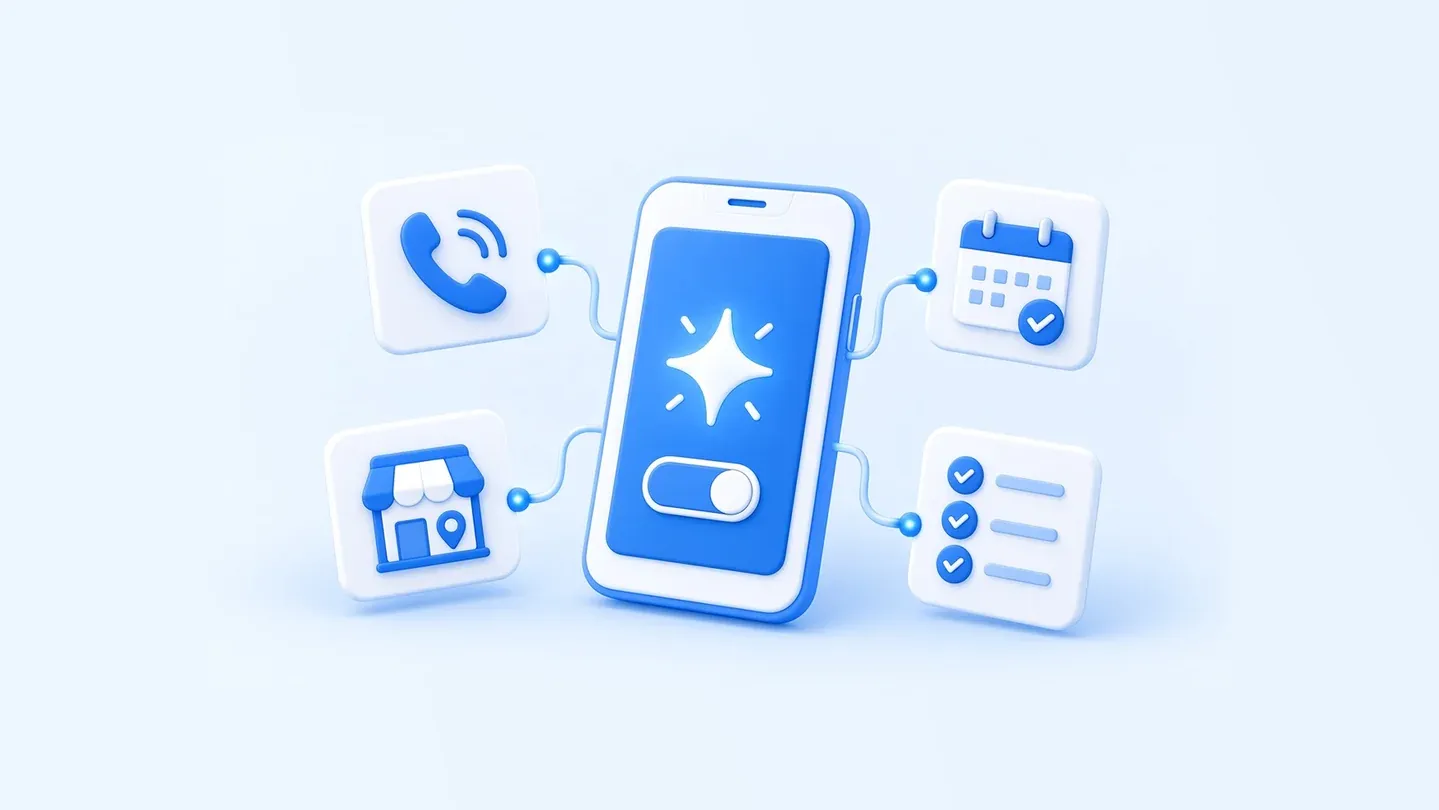
Google has started a free Gemini Tasks rollout in India and five other countries. This guide sets out what is available in India, why calling businesses is a US-only feature that reaches US numbers only, and how to keep your Business Profile, website and booking details findable and bookable. It does not promise more calls, bookings or sales.
Key takeaways
- Tasks in the Gemini app, which Google’s Privacy Hub describes as formerly known as Spark, is available without a Google AI subscription in India, the US, Japan, South Korea, Canada and Australia.
- Google’s calling help says Gemini can only make phone calls to US numbers, and only for eligible users in the US. Google has announced nothing about calling Indian businesses.
- Keep your Google Business Profile, website, and booking or enquiry flows accurate so a person or an assistant can find hours, prices and how to book. Google publishes opt-out steps for automated calls and texts to a Business Profile.
Checked on 18 November 2026 against Google’s announcement, help pages, and The Verge. The preparation plan is FlyingCaps’ recommended starting point.
What Google has introduced
On 17 November 2026, Josh Woodward, vice president of Labs, the Gemini app and AI Studio, said people can now hand off more work to Gemini by switching from Chat to Task and saying what they need done.
Google’s Tasks help confirms that Spark, tested in beta with subscribers since May, was renamed so people could find it under the Chat and Task toggle. Google’s Privacy Hub, last updated 17 November 2026, refers to “Tasks in Gemini (formerly known as Spark).” The Verge reported the same rebrand on 17 November.
The announcement describes Gemini calling businesses to book a service appointment and checking out with Google Pay, and says Gemini is designed to ask for confirmation or pre-approval before clicking “Buy.” Tasks uses Gemini 4 Hydrogen, introduced on 12 November 2026. Paid-tier Hydrogen API prices are $1.50 per million input tokens and $7.50 per million output tokens. Those are API prices only, not a fee for Tasks in the Gemini app.
Who can use it today?
Google’s Tasks help says you must be 18 or over, signed in with a personal Google Account, not a work or school account, and have History on. Tasks is available without a Google AI subscription in Australia, Canada, India, Japan, South Korea and the US. Everywhere else Gemini Apps are supported, it requires Google AI Pro or Ultra, except in the European Economic Area, Nigeria, Switzerland and the United Kingdom. It is available in the Gemini mobile and Mac apps, and at gemini.google.com.
Calling is narrower than Tasks. Google’s calling help limits it to US users aged 18 or over on a Pixel 10 or 11 with a US SIM, a Google AI subscription, Phone by Google in public beta, the latest Gemini app, and English as the device language. For now, Gemini can only call US numbers. Google has announced nothing about calling Indian businesses. The 17 November announcement also says calling through Gemini is not currently available in Indiana, Louisiana, Minnesota, Montana and Nebraska.
Gemini starts every call by disclosing that it is an AI assistant from Google calling on a recorded line on the user’s behalf, and stating the user’s name. It cannot take payments by phone.
Where businesses could find practical value
- US local service businesses: an eligible US user may ask Gemini to call a US number about hours, availability or an appointment. Clear hours and booking rules help the business stay bookable.
- Retailers and websites: Google’s Tasks help says Gemini can interact with websites for shopping, travel or dinner reservations. Current hours, prices, policies and a self-serve booking or enquiry path make the business easier to find and complete a request with.
- Teams in India: Tasks is available to users in India, but calls are limited to US numbers. Accurate Business Profile, website and booking details still help ordinary callers and visitors, and any assistant that browses those pages.
A preparation checklist before you start
Prepare a short information pack and assign someone to keep it current.
- Confirm your Google Business Profile name, phone, website, address or service area, hours and category, and that you can sign in as an owner or manager.
- Publish hours, holiday closures, booking rules, prices, fees and cancellation or return policies, and how a booking or enquiry is completed if no one is free to answer.
- Brief anyone who answers a US number that an AI assistant may call and will disclose it is an AI assistant from Google on a recorded line. Give only information the business will stand behind.
- Hours, prices, policies and booking details on the website should be visible, work on a phone, and match any structured data you already use. There is no special “Gemini Tasks” schema to add.
How to get started, and how to opt out
For individuals, Google says: open Gemini, switch from Chat to Task, and say what you need done. In the US, you can also email [email protected] or set up texting under Gemini settings, then Channels.
Google’s Business Profile help covers opting out of automated calls and texts from Google. Go to your Business Profile, then More Business Profile settings and Advanced settings. You must verify the profile to opt out. Under “Google automated calls and text messages,” turn off “Bookings and inquiries from customers,” “Keep your profile up to date” and/or “Post to your profile on your behalf.” On a call, you can say “Please stop calling my business.” After opting out, Google says you may still get occasional manual calls to confirm business information. If in-store product details are already in Google Merchant Center, Google will use that information and will not call to ask about inventory. This is not legal advice. Google’s calling help also describes a separate opt-out for automated calls from other Gemini users.
Measure useful outcomes, not just mentions
Google does not describe a business dashboard for Gemini Tasks calls or bookings. If you notice unusual calls, record the date, what was asked, whether the caller identified as AI, and whether your public information was sufficient. Call volume alone is not a measure of success.
Does this replace your website or phone line?
No. People will still visit your website, call you and expect a clear next step. If an assistant calls a US number or browses your site, your published hours, prices, policies and booking information need to be current. An assistant inside your own app or website is a separate, scoped piece of work, not part of Gemini Tasks. FlyingCaps’ web development, app development and AI and ML work can help you tighten that information or plan that kind of assistant. If you already have a team, you can also hire dedicated developers to take on the build.
What should your business do next?
Check Google’s current official documentation for the markets you serve. Update your Google Business Profile, website, booking or enquiry flows, and the answers your team gives on the phone. For opt-out, use the official Google Business Profile steps described above.
FAQs
Is Gemini Tasks free in India?
Yes, without a subscription if you are 18 or over, use a personal Google Account, and have History on. It is not available in the EEA or the UK. Google’s help also excludes Nigeria and Switzerland. Elsewhere, it needs Pro or Ultra.
Can Gemini call my business in India today?
No. Google’s calling help says Gemini can only call US numbers, and only for eligible US users. Google has announced nothing about calling Indian businesses.
Will the caller tell us it is an AI?
Yes. Google’s calling help says Gemini discloses that it is an AI assistant from Google calling on a recorded line on the user’s behalf, and states the user’s name. It cannot take payments by phone.
How do we opt out?
Follow Google’s Business Profile help: say “Please stop calling my business” on a call, or use Advanced settings to turn off “Bookings and inquiries from customers,” “Keep your profile up to date” and/or “Post to your profile on your behalf.” Manual verification calls may still happen. If inventory is already in Merchant Center, Google will not call to ask about it.
Sources & further reading
- Google — Put Gemini to work for you (Tasks in Gemini, 17 November 2026)
- Google — Manage your tasks & workflows in Gemini Apps
- Google — Ask Gemini to handle your everyday phone calls
- Google — Gemini Apps Privacy Hub (last updated 17 November 2026)
- Google — About automated calls and texts from Google to your business
- Google — Manage advanced profile settings
- Google — Gemini Developer API pricing
- Google — Introducing Gemini 4 Hydrogen (12 November 2026; last updated 16 November 2026)
- The Verge — Google’s Spark AI agent becomes “Tasks” — and now it’s free (17 November 2026)
Make your public information easier to use
Talk to FlyingCaps about clearer website content, a stronger service or booking page, or practical help with AI assistants. Discuss your website or AI project.

